
Getting started is simple. Growing safer together.
Four straightforward steps connect your entire family with cross-platform protection across Android and iPhone.
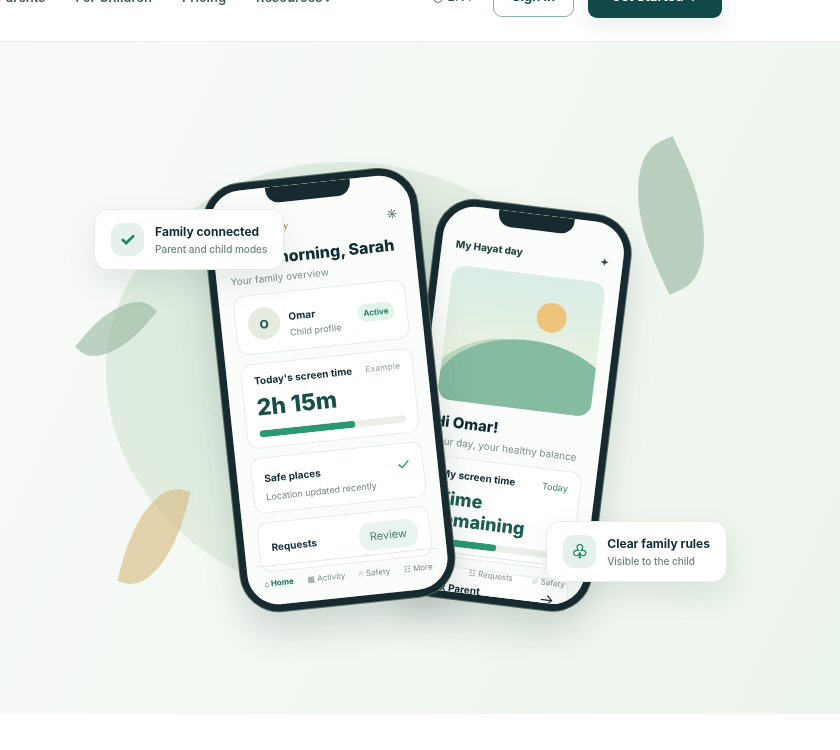
One trusted experience. Two ways to use it.
Hayat Family unites parent guidance with child empowerment through two tailored interfaces.
Parent & guardian mode
For parents on their personal phonesManage screen time schedules, review app requests, receive geofence arrival alerts, and coordinate family safety with ease.
- ✓ Set screen time schedules, bedtime & study locks
- ✓ Review, approve or limit installed apps & games
- ✓ Real-time family map with Safe Place arrival alerts
- ✓ Receive instant emergency SOS alerts with live coordinates
- ✓ Invite co-parents and share family management
Child & protected device mode
For children on their phones or tabletsChildren get full transparency into remaining screen allowances, calm bedtime transitions, and one-tap emergency tools.
- ✓ Clear, transparent countdown of daily screen time
- ✓ Gentle 15-minute bedtime warnings before lockout
- ✓ One-touch Emergency SOS button for immediate help
- ✓ Respectful “Ask Parent for Extra Time” with 1 tap
- ✓ Quick “Pick Me Up” and “I Arrived” check-in buttons
From your first sign-in to everyday peace of mind.
Each step is designed to be understandable for parents and transparent for children — without complicated technical jargon.
Start with the people who matter.
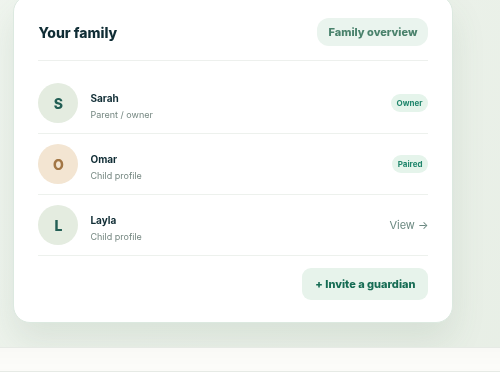
Create your family profile in minutes. Add co-parents or guardians, set up each child profile with age-tailored recommendations, and keep everyone organized in one unified hub.
Connect their device securely.
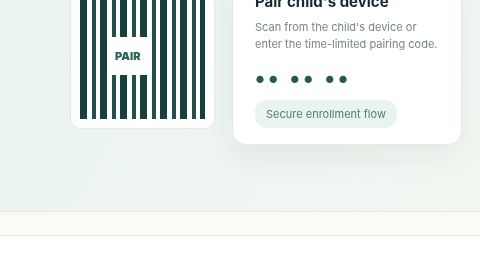
Install Hayat Family on your child’s phone or tablet. Simply scan your parent QR code to link devices securely in seconds without complicated cables or technical configuration.
Build healthy digital routines.
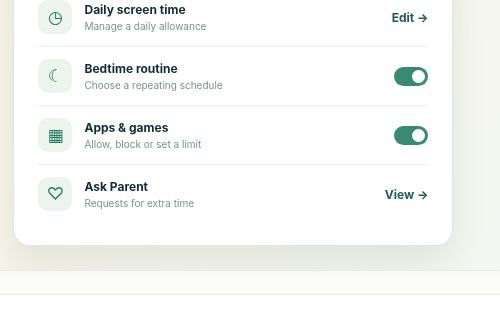
Establish screen time limits that encourage sleep, homework focus, and real-world connection. Customize app categories and web filtering according to your family’s values.
Know when something needs you.
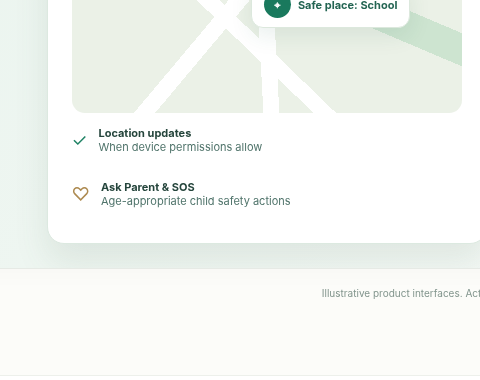
Receive automated alerts when children arrive at school or home. Rest easy knowing that if your child ever feels unsafe, help is just one tap away.
Simple moments that make a difference.
Hayat Family operates quietly in the background, only surfacing alerts when your attention is truly needed.
School Arrival Reassurance
No need to text “Did you get there?”. You get a quiet, automatic notification when your child enters the school gates.
Peaceful Bedtime Transitions
Gentle 15-minute countdown warnings prevent sudden cut-offs, helping kids wrap up their activities before bedtime.
Respectful Extra Time Requests
When a project takes longer than expected, children tap “Ask Parent” for 15 or 30 minutes, approved with one touch.
Designed for Android & iOS.
Parents can use any modern smartphone, regardless of what device their children use.
Android Child Devices
Android 9.0 (Pie) and above- ✓ Granular app blocking & daily time allowances
- ✓ Live GPS location & geofence notifications
- ✓ Full web filtering & SafeSearch enforcement
- ✓ Instant device lock & bedtime scheduling
- ✓ PIN-protected tamper prevention
iOS Child Devices
iOS 15.0 and above- ✓ Apple Screen Time & Family Sharing integration
- ✓ Live GPS location & Safe Place arrival alerts
- ✓ Web filtering via secure configuration profile
- ✓ Scheduled downtime and communication allowances
- ✓ Protected by Apple device passcode
Questions families often ask
Clear answers to help you understand setup, permissions, and family device management.
Do parents and children need different apps?
No. Hayat Family is one unified app. When launching the app, you simply select whether the device belongs to a Parent/Guardian or a Child, and pair via QR code.
Can I manage more than one child?
Yes! Our Family and Premium plans support multiple children with individual rules, schedules, and location tracking for each child.
Can my child uninstall the app to bypass rules?
On Android, uninstall protection requires the parent PIN. On iOS, Apple Screen Time parental settings prevent unauthorized removal without parental credentials.
Does Hayat Family spy on private messages or photos?
No. We believe in respectful parenting. We do not inspect private chat texts, eavesdrop on microphones, or record cameras. Protection focuses on screen balance, app limits, and location safety.
Ready to bring your family together?
Join thousands of families building healthier digital habits and peace of mind today.